Mobile App

A mobile app for inspection management.

A mobile app for inspection management.

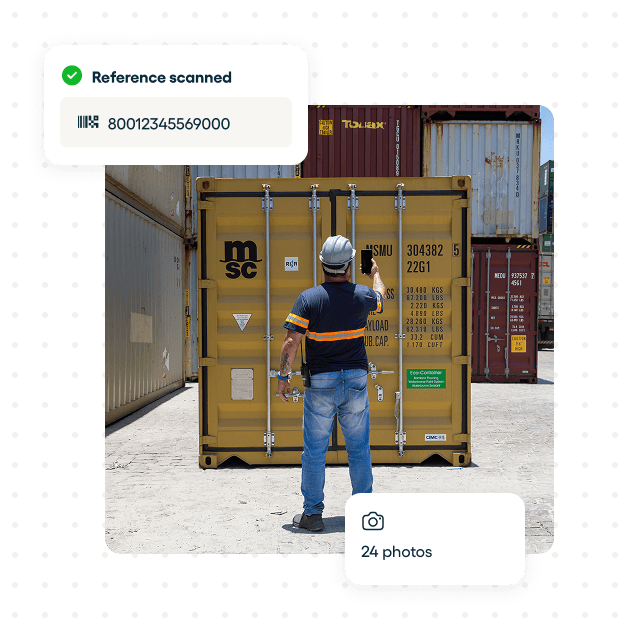
Cargosnap on the warehouse floor. Scan references, follow every step and capture proof, even offline.


Made for handling goods. Not learning software.

Made for handling goods. Not learning software.

How the Mobile App works

From physical handling to digital records.

From inbound and outbound inspections to cross-docking and returns, document your handling operations in three simple steps.

Start with the reference number.

Your operator scans or manually enters a logistics reference to link all captured data, photos and documents to the right shipment or equipment.

Start with the reference number.

Your operator scans or manually enters a logistics reference to link all captured data, photos and documents to the right shipment or equipment.

Start with the reference number.

Your operator scans or manually enters a logistics reference to link all captured data, photos and documents to the right shipment or equipment.

Select a workflow and start executing.

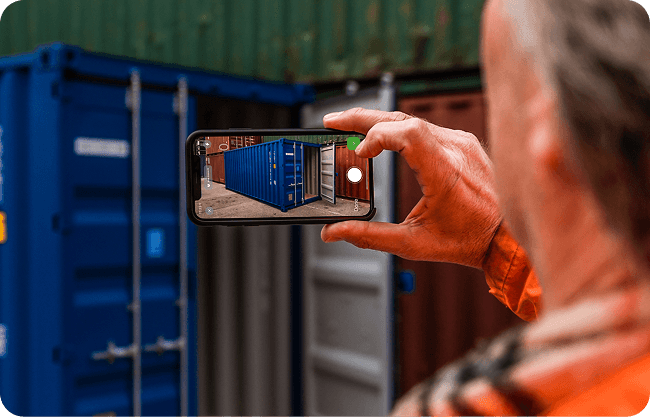
The app shows what to check and which photos to take: empty container, pallets loaded, doors closed, seal number. A missing photo keeps the check open.

Select a workflow and start executing.

The app shows what to check and which photos to take: empty container, pallets loaded, doors closed, seal number. A missing photo keeps the check open.

Select a workflow and start executing.

The app shows what to check and which photos to take: empty container, pallets loaded, doors closed, seal number. A missing photo keeps the check open.

Flag any damages on the spot.

A crushed carton or a torn wrap gets reported on the spot, with a close-up, the number of units and the file reference. Your office sees it before the truck leaves the dock.

Flag any damages on the spot.

A crushed carton or a torn wrap gets reported on the spot, with a close-up, the number of units and the file reference. Your office sees it before the truck leaves the dock.

Flag any damages on the spot.

A crushed carton or a torn wrap gets reported on the spot, with a close-up, the number of units and the file reference. Your office sees it before the truck leaves the dock.

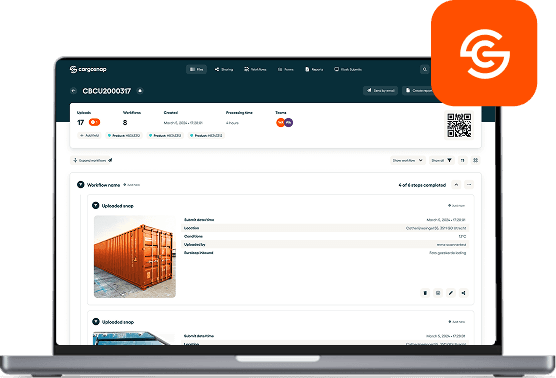
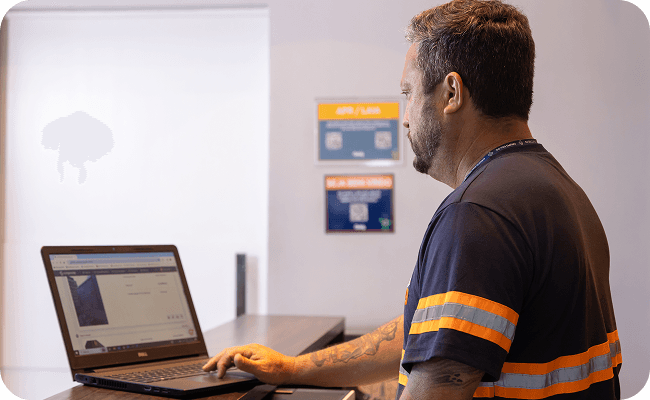
From your warehouse floor to your customers' screen.

Documentation is not admin. It is your strongest trust tool.

Inspections

Every inspection, one file. Containers, warehouses, LSPs

Cargosnap

Operators capture data as work happens - 
scanned references, documents, and photos. 

Client insights & proof

Operators capture data as work happens - 
scanned references, documents, and photos. 

Start capturing evidence on the warehouse floor.

See how your team can use Cargosnap without any training.

Start capturing evidence on the warehouse floor.

See how your team can use Cargosnap without any training.

Start capturing evidence on the warehouse floor.

See how your team can use Cargosnap without any training.

Frequently asked questions

What warehouse and operations managers ask before they roll out the app.

How fast can new or temporary staff use it?
icon

On their first shift. The app shows each step and which photos to take, so nobody has to remember the procedure.

How do I move shipment photos out of WhatsApp into a proper inspection system?
icon

Your team takes photos in the Cargosnap App instead of their camera or WhatsApp. Every photo lands in the file of the load it belongs to, found by file reference.

What happens to inspection evidence when an employee leaves?
icon

Nothing gets lost. Photos and scans are saved in the company's files, not on someone's personal phone.

How do I make every employee take the same required photos at loading and receiving?
icon

You set the required photos per step in the workflow. The app shows each operator what to capture and in which order. A check can't be closed until every required photo is taken.

Does the app add extra steps when damage is found?
icon

Yes. When your team marks damage, the app asks for the damage type, the number of units affected and a close-up photo.

Can the driver or receiver sign in the app?
icon

Yes. Signatures are captured in the form, next to the photos of the shipment.