" height="15.65460401053985px" id="E2hITFMIY" width="89px"/><path d="M 15.154 0 L 6.296 0 C 5.965 0 5.657 0.167 5.473 0.446 C 5.289 0.725 5.255 1.078 5.38 1.389 C 5.43 1.511 5.504 1.621 5.598 1.714 C 5.783 1.903 6.034 2.01 6.296 2.01 L 13.158 2.01 C 12.949 3.493 12.28 4.868 11.247 5.936 L 11.198 5.987 L 11.149 6.037 C 10.099 7.086 8.747 7.765 7.29 7.977 C 5.94 8.177 4.562 7.968 3.329 7.374 C 2.634 7.038 1.998 6.588 1.447 6.041 L 1.398 5.99 L 0 7.414 C 0.221 7.641 0.455 7.854 0.699 8.054 C 0.908 8.224 1.126 8.39 1.351 8.542 C 1.967 8.962 2.632 9.301 3.332 9.552 C 3.972 9.784 4.637 9.938 5.312 10.013 C 5.971 10.089 6.635 10.089 7.293 10.013 C 8.711 9.856 10.07 9.353 11.254 8.545 C 11.739 8.214 12.192 7.837 12.605 7.417 C 12.829 7.192 13.039 6.954 13.235 6.703 C 13.405 6.492 13.563 6.272 13.711 6.044 C 14.506 4.84 15.001 3.458 15.155 2.016 C 15.192 1.682 15.21 1.346 15.21 1.01 C 15.209 0.673 15.19 0.335 15.155 0 Z" fill="rgb(8, 46, 57)" height="10.070297475553705px" id="SUqhhb7Az" transform="translate(2.507 7.93)" width="15.210335938094289px"/></g></g></svg>)
Tools & systems
What happens to inspection evidence when an employee leaves, and how to keep it

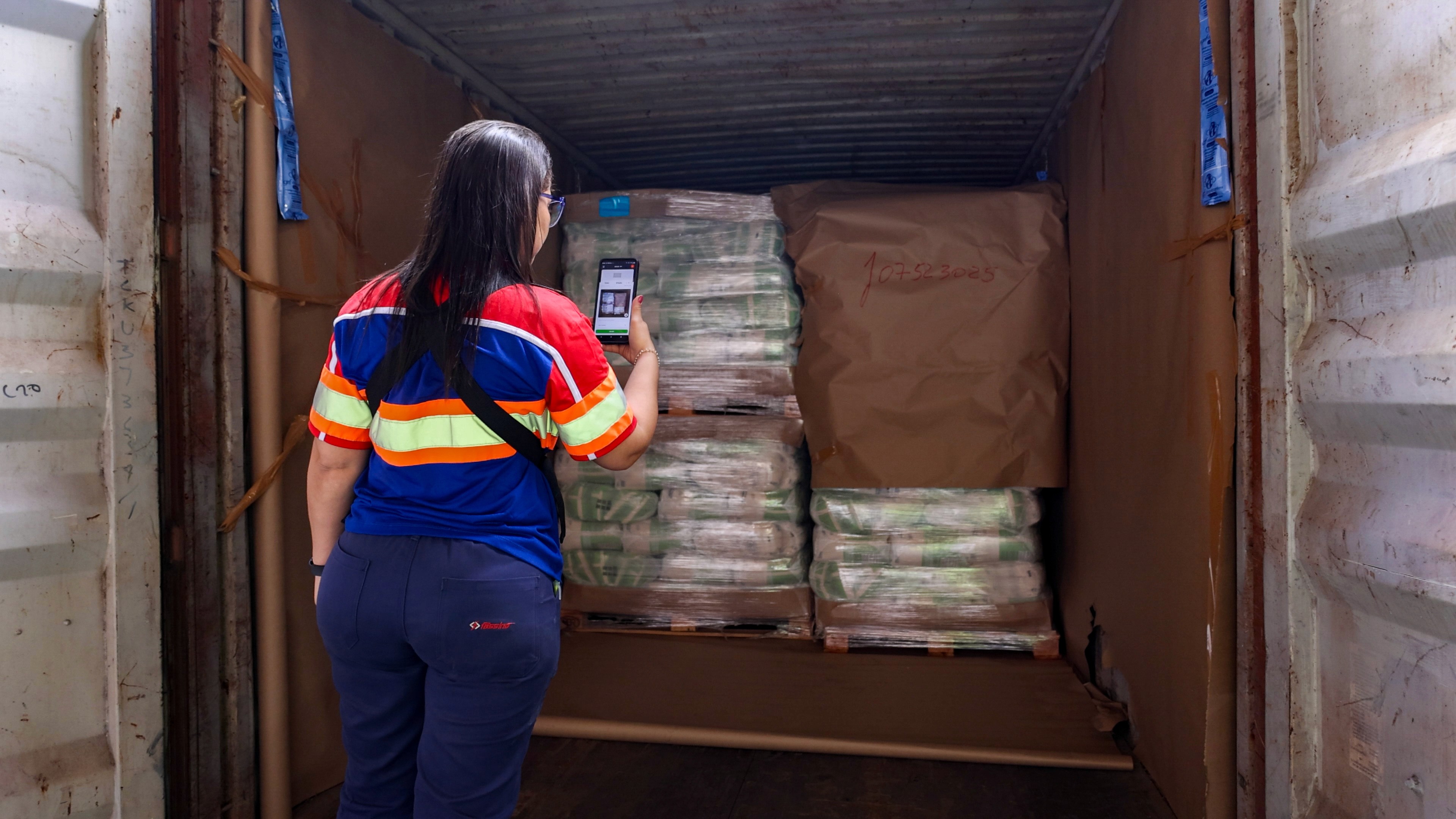
When inspection photos live on personal phones or in chat apps, they usually leave the company together with the employee. You keep the evidence by recording every inspection in a company system, where photos, checklists, and shipment data belong to the company and not to a person.
What actually happens when someone leaves
An operator leaves on Friday. On Monday, the phone is wiped, handed back, or simply gone. With it go months of photos of containers, seals, and damaged pallets.
Most of the time, nobody notices. The problem shows up later. A customer files a claim for a shipment from three months ago. The photos were taken. They were on that phone, or in a WhatsApp group the employee has since left.
The same happens when a team leader moves to another site, or when a temporary worker's contract ends. Every departure is a small data loss you only see when you need the proof.
Where inspection evidence usually lives
Where the evidence is | What happens when the employee leaves |
|---|---|
Personal phone gallery | Gone, or hard to get back |
WhatsApp or other chat groups | Stays scattered; the employee may delete the chat |
Personal email inbox | Locked when the account is closed |
Paper forms in a folder | Often kept, but not linked to photos and hard to search |
Company inspection system | Stays with the company, linked to the shipment |
What to look for in an inspection app
If the goal is to keep evidence when people come and go, check these points before you choose:
Evidence belongs to the company account, not to a user
Photos are taken inside the app and linked to a shipment, container or transport file
Removing a user does not remove that user's inspections
You can see who did each inspection, and when and where
Evidence stays available long enough for your claims and audit periods
The app works offline, so nothing is kept on a phone "for later"
How to secure your evidence in 5 steps
Map where evidence lives today. List the phones, chat groups, mailboxes and folders your teams use.
Move new inspections to one system. Start with the flows where claims and audits happen most.
Make the system the only accepted source. Photos sent by chat or email do not count as evidence.
Add offboarding to the checklist. When someone leaves, check that their open inspections are complete and synced.
Test it once a quarter. Pick a shipment from months ago and try to find all its evidence in five minutes.
How Cargosnap handles it
Cargosnap is the material handling platform for logistics service providers and shippers. Teams capture inspections, damage, checklists and handovers in one structured system, instead of on personal phones and in chat groups.
Each inspection ties timestamped photos, container number, seal number and GPS location to the correct shipment or transport file. The evidence belongs to the shipment, so it does not depend on who took the photo. The app works offline and syncs when the device reconnects. Compliance covers audit-ready proof for AEO and ISO 9001. Cargosnap connects to TMS, WMS and ERP via connectors, a REST API and webhooks.
"Collaborative and intuitive tool; permanent storage capability for many images/reports; parameterization for different locations... Everything becomes easier and more immediate!"
Review collected by and hosted on G2.com
See inspection management, or read how to create audit-ready inspection reports with images.