" height="15.65460401053985px" id="E2hITFMIY" width="89px"/><path d="M 15.154 0 L 6.296 0 C 5.965 0 5.657 0.167 5.473 0.446 C 5.289 0.725 5.255 1.078 5.38 1.389 C 5.43 1.511 5.504 1.621 5.598 1.714 C 5.783 1.903 6.034 2.01 6.296 2.01 L 13.158 2.01 C 12.949 3.493 12.28 4.868 11.247 5.936 L 11.198 5.987 L 11.149 6.037 C 10.099 7.086 8.747 7.765 7.29 7.977 C 5.94 8.177 4.562 7.968 3.329 7.374 C 2.634 7.038 1.998 6.588 1.447 6.041 L 1.398 5.99 L 0 7.414 C 0.221 7.641 0.455 7.854 0.699 8.054 C 0.908 8.224 1.126 8.39 1.351 8.542 C 1.967 8.962 2.632 9.301 3.332 9.552 C 3.972 9.784 4.637 9.938 5.312 10.013 C 5.971 10.089 6.635 10.089 7.293 10.013 C 8.711 9.856 10.07 9.353 11.254 8.545 C 11.739 8.214 12.192 7.837 12.605 7.417 C 12.829 7.192 13.039 6.954 13.235 6.703 C 13.405 6.492 13.563 6.272 13.711 6.044 C 14.506 4.84 15.001 3.458 15.155 2.016 C 15.192 1.682 15.21 1.346 15.21 1.01 C 15.209 0.673 15.19 0.335 15.155 0 Z" fill="rgb(8, 46, 57)" height="10.070297475553705px" id="SUqhhb7Az" transform="translate(2.507 7.93)" width="15.210335938094289px"/></g></g></svg>)
Claims
22 pallets loaded, 20 on the claim. Now prove it.

A shipper proves a full collection with evidence made at the moment of handover: pallet and carton counts, photos of every pallet, the seal number, and the driver’s signature, all tied to the order. If that evidence can’t be found in a minute, weeks later, it doesn’t count.
The claim always comes later
It’s a Tuesday in March. Your customer emails: 2 pallets short on order 45812. The shipment left your warehouse on 3 February.
You know it was complete. Your team loaded 22 pallets. But now you have to prove it. So someone goes to the office and pulls the February folder. The collection note is there. The pallet count is handwritten. It says 22, or maybe 27. The driver’s signature is a line. There’s no seal number. There are no photos.
The customer doesn’t have to prove the pallets went missing. You have to prove they didn’t. Without proof, you pay.
Five ways a full shipment becomes a shortage on paper
The rushed signature. The driver is late for his next slot. He signs the collection note before the last pallet is on the truck. The note says 22. Nobody checked.
The crossed-out number. The loader counts 21, then finds one more behind the dock door. He crosses out 21 and writes 22. Three weeks later, the customer asks which number is right.
The photos on someone’s phone. The night shift lead took photos of every pallet. They’re on his personal phone, mixed in with his holiday pictures. He left the company in April.
The WhatsApp group. The photos were shared. In a group with 400 other photos from that week, none of them labelled with an order number.
The wrong shift answers. The night shift loaded it. The day shift takes the call. Nobody in the office was at the dock.
None of these teams were careless. They did the work. They just can’t show it.
What a shortage claim actually asks of you
A claim asks four questions. Your evidence has to answer all four.
What left your site? The number of pallets and cartons, per order.
In what condition? Photos of every pallet, wrapped and labelled.
Who accepted it? The driver’s name and signature, at the dock.
When and where? A time and a location that nobody can change afterwards.
Paper can answer some of these on a good day. It can’t answer them in one minute, five weeks later, when the person who loaded the truck isn’t there. That’s the real need. Not “going digital”, but having proof that’s made at the dock, agreed by the driver, and findable by order number when the claim comes in.
What complete proof of collection looks like
Evidence | Why it matters in a claim |
|---|---|
Pallet count per order | The first number the customer disputes |
Carton count per pallet | Proves pallets weren’t short a layer |
A photo of every pallet | Shows the goods were complete and intact |
Seal number and seal photo | Proves the trailer was closed when it left |
Driver name and signature | Proves the carrier accepted the count |
Time and GPS location | Proves when and where the handover happened |
Order or PO number | Lets anyone find the proof in seconds |
If one of these is missing, that’s where the claim gets in.
How to make proof of collection routine at the dock
Count before the signature. The driver signs only after you enter the counts, not before.
Photograph every pallet, not the whole trailer. One wide shot of a full truck proves nothing about pallet 17.
Record the seal number and photograph the seal. Do it after the doors close, every time.
Link everything to the order number. That’s what the office will search for when the claim comes in.
Make it the same at every dock and every shift. Proof only works if it’s there for every shipment, not just the ones someone remembered.
How Cargosnap captures it
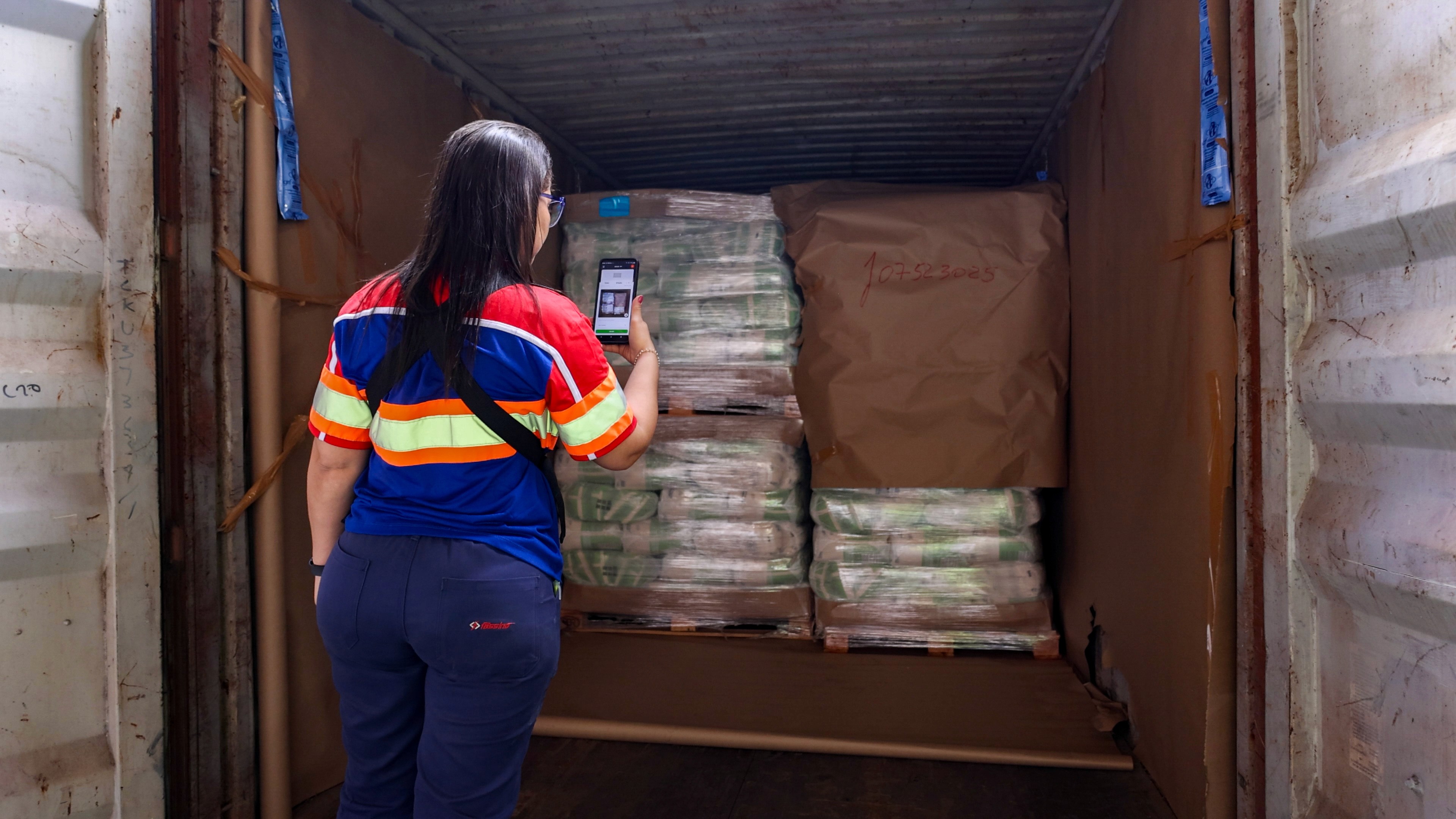
Teams use the Cargosnap app on a tablet or phone at the dock. The inspection guides the loader through the counts, photos, and seal, then the driver signs on the device. Every photo is stored with a timestamp and GPS location, together with the container or trailer number and seal number. The inspection is saved with the right shipment in the Cargosnap portal.
It works offline. If the dock has no signal, the inspection uploads as soon as the device reconnects.
When a claim comes in, the office finds the shipment and shares the report with the customer or carrier.
Cargosnap is used by 400+ logistics service providers and shippers in 40+ countries. Plans start at €349 per month for 10 devices. See pricing.

Frequently asked questions
How can a shipper prove the carrier collected the full shipment?
Record the pallet and carton count, a photo of every pallet, the seal number and the driver’s signature at the moment of handover. Link it all to the order number, so the proof can be found when a claim comes in.
What evidence do I need to dispute a shortage claim?
You need the number of pallets and cartons that left, photos of each pallet, the seal number, and a signature from the driver who accepted the load. A timestamp and location make the evidence hard to dispute.
Is a signed collection note enough?
Often not. A signature shows the driver was there. It doesn’t show what was on each pallet, and handwritten counts are easy to dispute. Photos and a seal number make the signature count.
Do I need a WMS to prove a full collection?
No. Many shippers work with only an ERP. The proof is made at the dock and saved with the order number, with or without a WMS.
Can I find the proof by PO or order number?
Yes. In Cargosnap, every inspection is saved with the shipment. When a claim comes in, the office searches the PO or order number and finds the counts, photos, seal number and signature in seconds.
Does the proof stay separate from my ERP?
It doesn’t have to. Cargosnap connects to ERP systems like Microsoft Dynamics 365 and Odoo, and to others through Power Automate, the REST API or webhooks. Results and photo links flow back to the order. See how it works with your ERP.